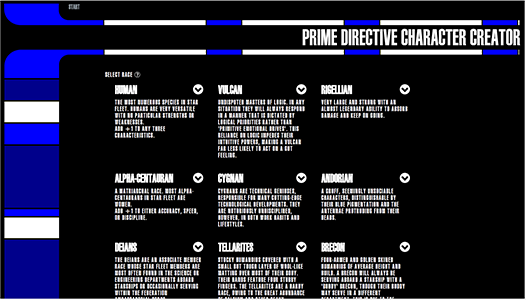
For IM 398 Projects II one of the 4 projects I chose was to make a website for the liscensed Star Trek role playing game Prime Directive. I wanted to showcase the intersection of artistic creativity with my web programming skills by making this prototype.
One of the limitations that I placed on myself was to use a LCARS SDK for rendering the graphics. I felt that using an existing SDK shows that I can incorporate someone else's project into mine. Doing so shows my ability to work in groups on a project as I couldn't work in a group on this project.
I coded this project writing HTML5, CSS3 and jQuery using the Atom text editor with VIM addon. For layout, I used Bootstrap version 4 pre-release 04. For some animations, I used jQuery UI version 1.12.1. Select icons came from the FontAwesome library. LCARS CSS Framework was developed by GitHub user Garrett-.
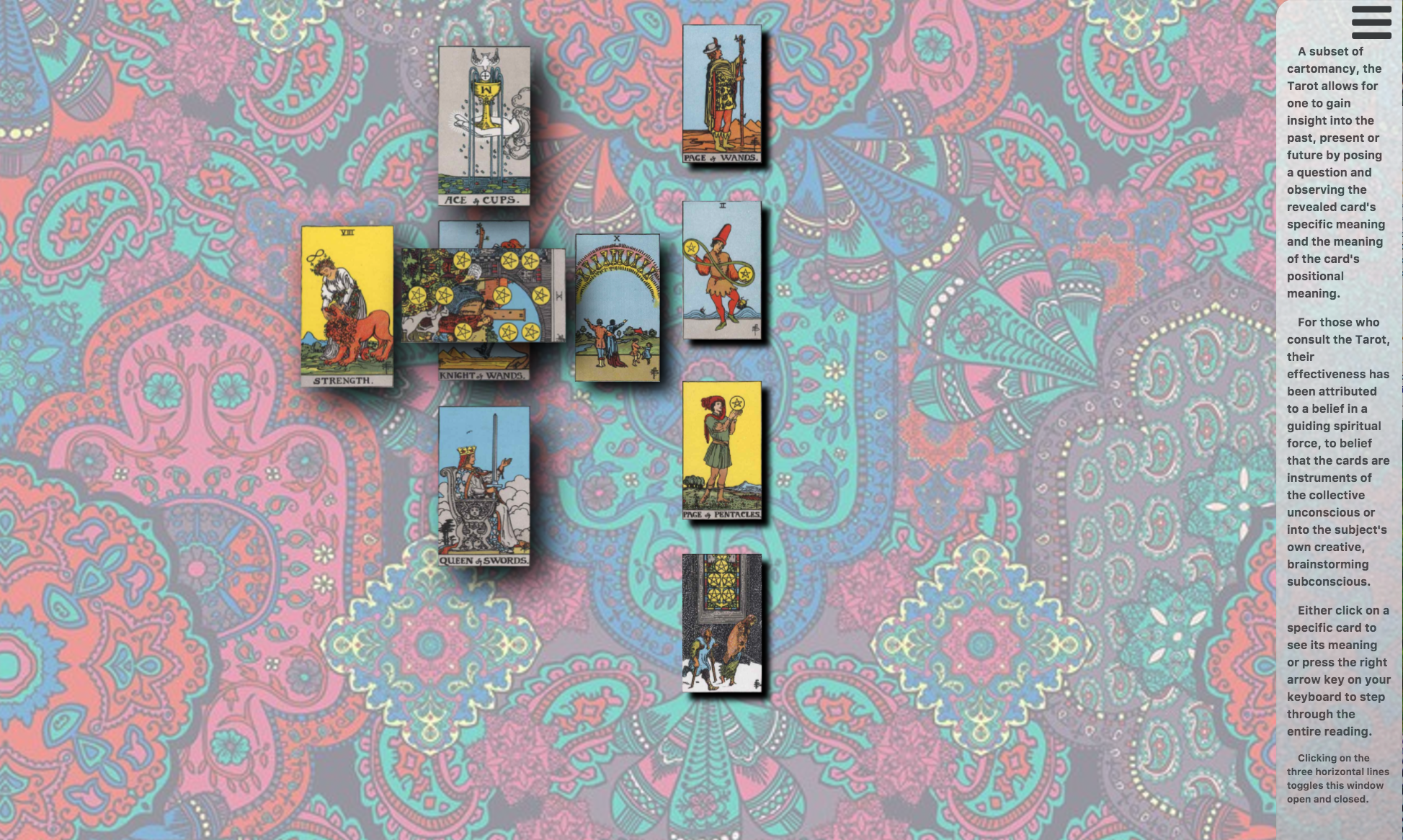
For IM 398 Projects II one of projects I chose to do was build a website that shuffled and displayed a celtic cross tarot card reading. The user can either click on a specific card to see it's meaning and it's positional meaning.
This project really started out with my desire to animate cards so that it looked like they fluttered on a constant breeze or on a continuous wave. I had to really think what type of project would make sense to marry this to.
I created all HTML5, CSS3, Javascript and jQuery using the Atom text editor with VIM addon. Animation was hand created using CSS3. Icons were used from the FontAwesome library. Tarot card imagry and meaning were taken from the Rider Waite tarot deck.
For IM 201 Integrative Media Foundations II we were tasked to develop a web site for a real or imagined business as part of our instruction on Adobe Dreamweaver. I chose to do a website for a ficticious bakery.
One of the web features I hadn't had a chance to play with was an image map. In exploring this via Dreamweaver, I found how easy it is to implement so made that the focus of my website. I created a menu in the shape of a cupcake using Adobe Illustrator and built the image map on top of that.
The menu was created using Adobe Illustrator. The web site was build using Adobe Dreamweaver. To show what the web site might look like on a variety of devices, the mock up image, pictures to the right, was created using screenshots manipulated in Adobe Photoshop.
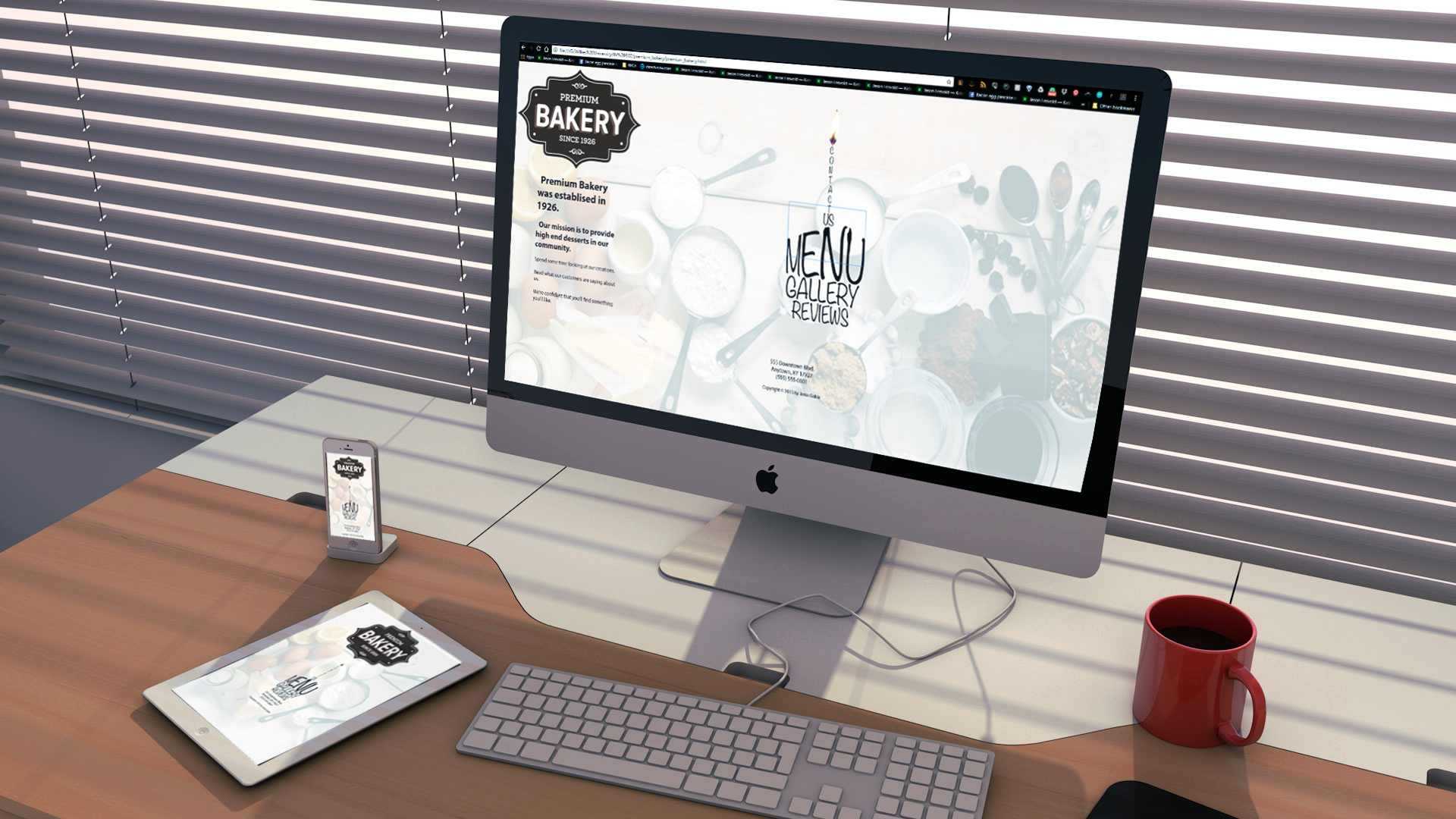
Click on the image see a larger view.
For my Projects II class, I choose to do a special effects reel. My thought was to not be so caught up in the production of the entire piece. I wanted to more focus on my ability to take someone else's footage and add to it.
This limitation was both a hinderance and a blessing. There are certain technical factors that need to be taken into account when shooting for a composite shot that might be ignored for a more traditional shot.
For this project, I first sent out a call to my friends and classmates for anyone available to help out. Then I needed to get permission from my university to shoot on campus as well as bring props. Once this was obtained, I scheduled my actors, obtained university equipment and we shot.
Raw footage was then brought into Premiere Pro for initial editing and then segments were taken into After Effects and the composite was created.
For IM 301 Principles of Motion and Layering, we were assigned a random sin or virtue from the 7 deadly sins or 7 heavenly virtues. Our project was to create a 30 second abstract video exemplifying that sin or virtue. I was assigned Greed.
I started by doing a deep dive on Green to determine usage and meaning. I then created a mind map of my findings and ended up leaning towards the idea that any action which is motivated by gain at the expense of others is really Greed. So I decided to make Greed my central focus in a series of muggings. By making him a static character while varying the victims' clothing to make them less individuals, I hoped to show Greed via the process of muggings rather than just a mugging.
After shooting, I interweaved differing shots to accomplish that abstraction while also increasing the perceived energy.
Raw footage was then brought into Premiere Pro for initial editing and then segments were taken into After Effects and the composite was created.
For IM 301, we were tasked to complete a green screen short if our main project didn't have a green screen component. My thought was to do a futuristic olympic/sporting event which involved a phaser duel.
Working with a fellow student, we scheduled a day and shot footage. Once footage was shot and chroma keyed in, I worked with a pre rendered particle effect for the transporter and added a foley audio track. Keyframing the opacity and adding in a masked solid gave the illusion of the players transporting in. I then created laser blasts from After Effect's lightning library and animated it through. More masks and particle effects make up the disentigrate effect.
This project was completed entirely in Adobe After Effects.
In IM 350 3-Dimensional Environments and Animation, we learned techniques to model simulations with the physics engine of Cinema 4D.
The assignment was to drop marbles into a container and then spill that container. I chose to build a set with differing materials and levels and then animate it as a precursor to some Rube Goldberg type situation. To give it a sense of depth, I animated the camera to move through the space.
This project was built and rendered out entirely using Cinema 4D R17.
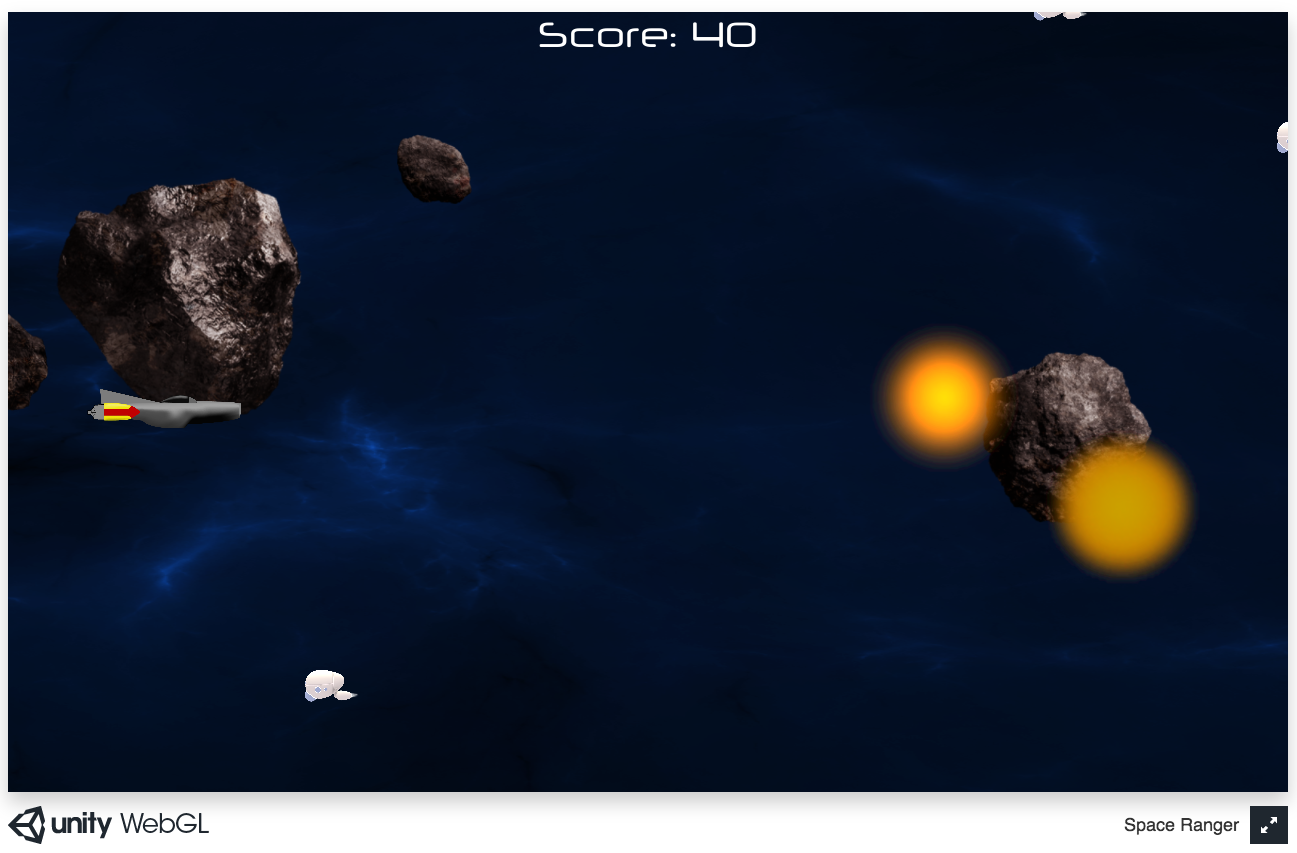
For my Projects II class, I wanted to make a simple video game. As I knew that I would need to focus on learning the Unity environment and to show that I could use third party assets, I obtained some sprites from the Unity store. I ended up obtaining the background, asteroid and enemy ship sprites this way. For the hero model, I had a strong idea of what it was to look like, so I created that using Adobe Illustrator.
For design, I decided on an endless side scroller where enemies show up randomly but with no more than 5 being instantiated at a time to mitigate the chances of running out of memory.
I coded all the game objects and levels in C# using the Unity Editor. Start screen and hero model were created in Adobe Illustrator.
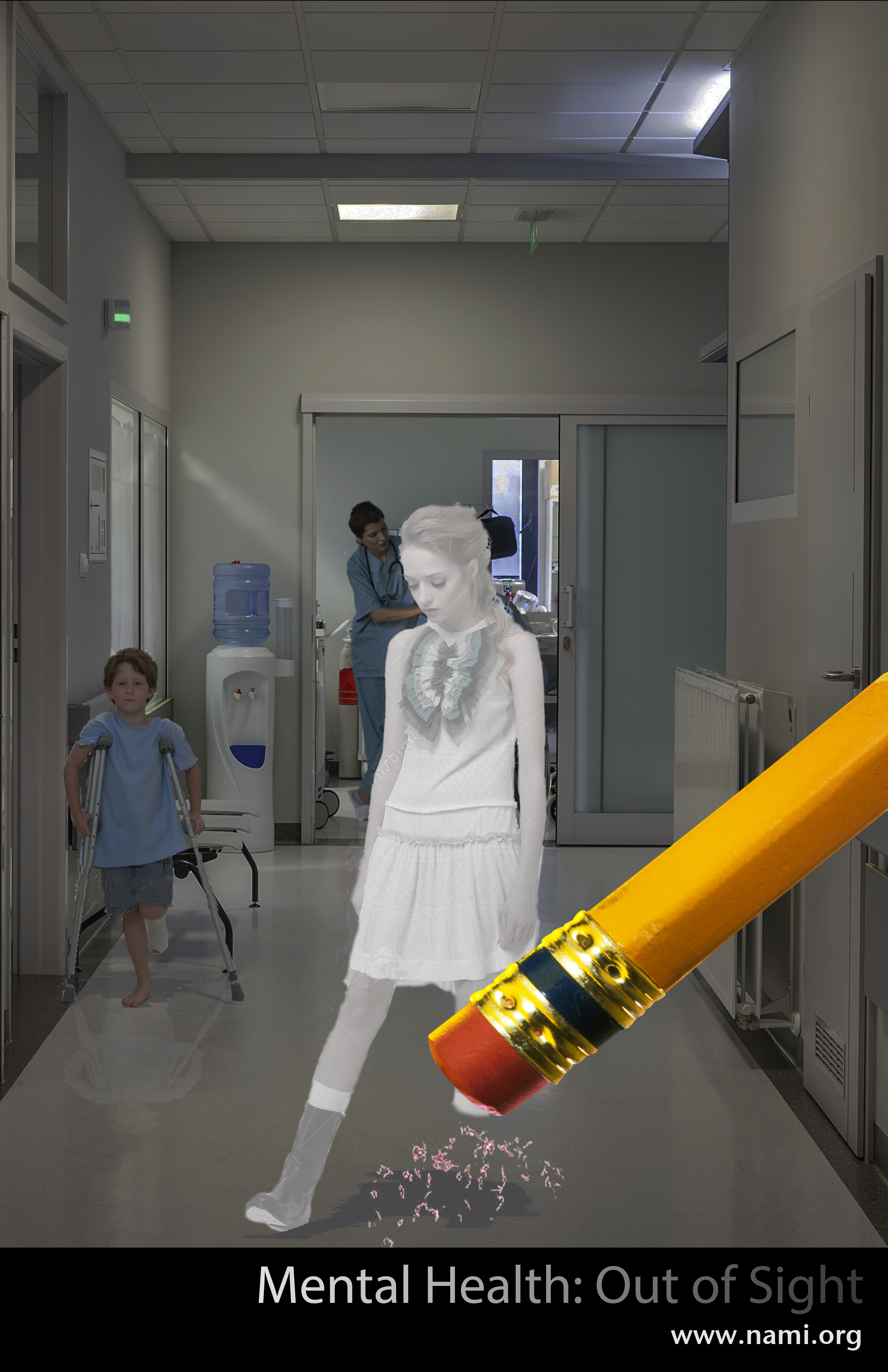
For IM 201 Integrative Media Foundations II, we were tasked to generate a poster ready for print for a Public Service Announcement.
I chose to do my PSA on Mental Health with a theme that it's an invisible illness but those suffereing shouldn't be ignored.
This project was done completely in Adobe Photoshop. I took assets from several different pictures and composited them into a hallway shot. I then added shadows and reflections for the figures. I then color corrected down to give it a darker pallet while lightening the for figure as if they were getting bleached out. I composited in a pencil and added some pencil shavings to complete the scene. A small banner with the PSA name and organization finish the poster.